Connected Apps allow the model to securely connect to external tools like Gmail, Google Calendar, and Salesforce. This allows Gemini to retrieve, reference, and act on information that lives outside the chat itself. This moves Gemini beyond general knowledge and integrates it directly with your real systems and data.
How to use Connectors
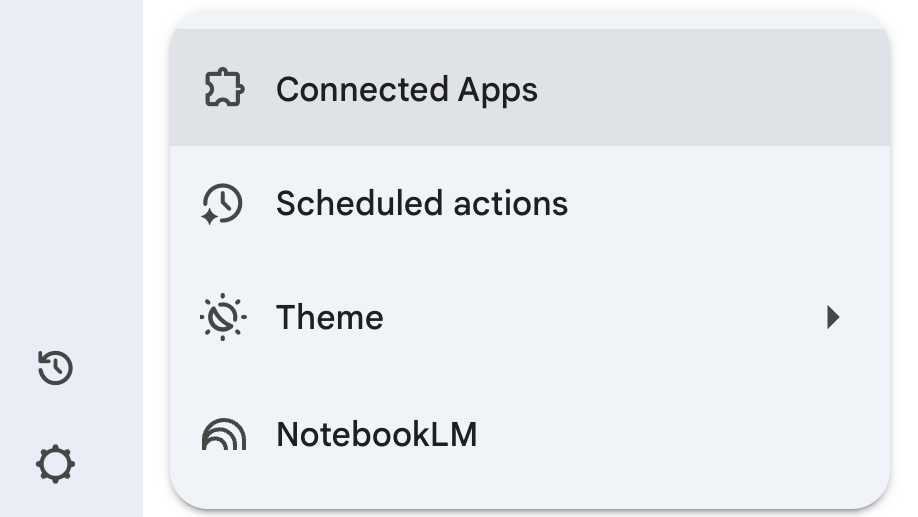
To enable connectors, click on “Settings” in the lower left, and then click on “Connected Apps.”
Ensure the apps that you need are toggled on.
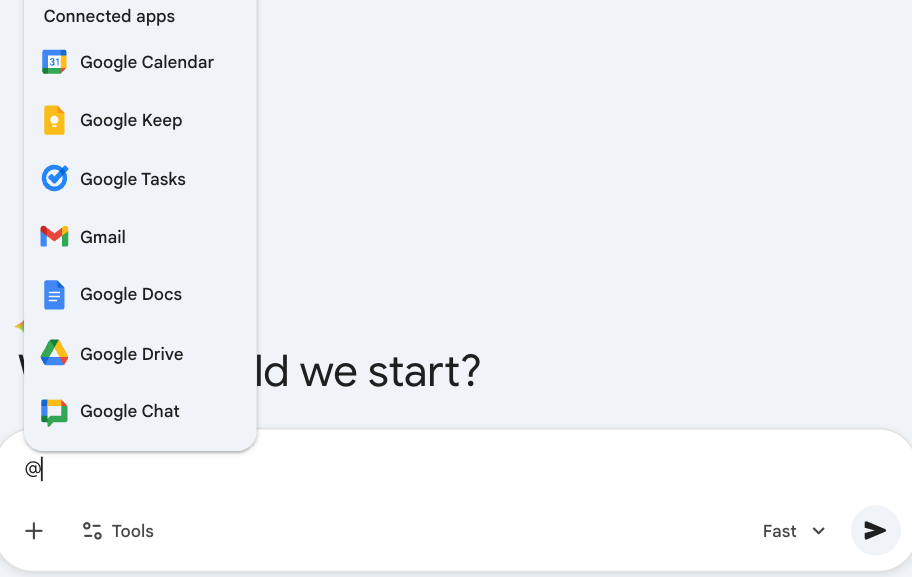
Once set up, connect Gemini to that tool in the main prompting box using the "@" symbol. See below:
Prompting Best Practices with Connected Apps
Specificity
Use DIRECT as a guiding prompting framework. Be specific about what sources of information you want to pull from, the dates from which that information is relevant, and ownership constraints on the material. The clearer your information constraints, the more reliable the output, and the fewer corrective refinements required.
Technical Details
Gems
Connectors can be accessed from within Gems.