February 12, 2026 · Last updated on February 24, 2026
Gems AKA your Digital Teammates!
# Gemini
# Digital Employee
# Gems
# Features and Capabilities
The ins-and-outs of creating and using a Gem
Gems are reusable, specialized “digital teammates” you design for a specific purpose. Unlike ad‑hoc personas inside a single chat, Gems bundle together instructions, knowledge, and behaviors into a named assistant you can call on anytime, such as “Teacher’s Assistant (TA) Iris.” Gems are especially useful for work you repeat often and want to perform consistently, at a high level, across many chats and projects.
How to create a Gem
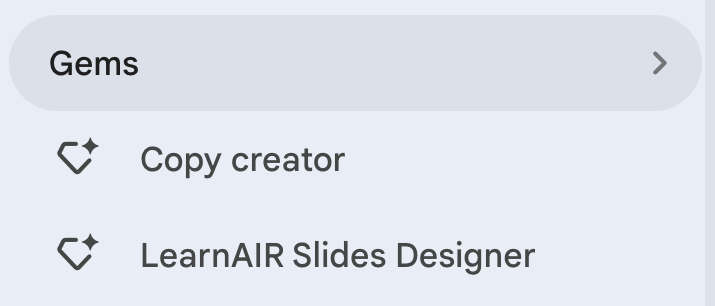
On the left sidebar, click on "Gems >"
Then click "+New Gem"
Next, fill in the key information:
Name, Description (this should describe to the user how they are to interact with the Gem), Instructions*, Default tool, and Knowledge (any files or image assets).
*Insert the [Persona Framework] in the Instructions section:
Persona Framework =
Others can use it, but cannot edit your original configuration by default. You can give editing ability to specific users.
Updates you make apply only from that point forward; previously generated outputs do not retroactively change. The updates apply to the shared versions of the customGPT as well.